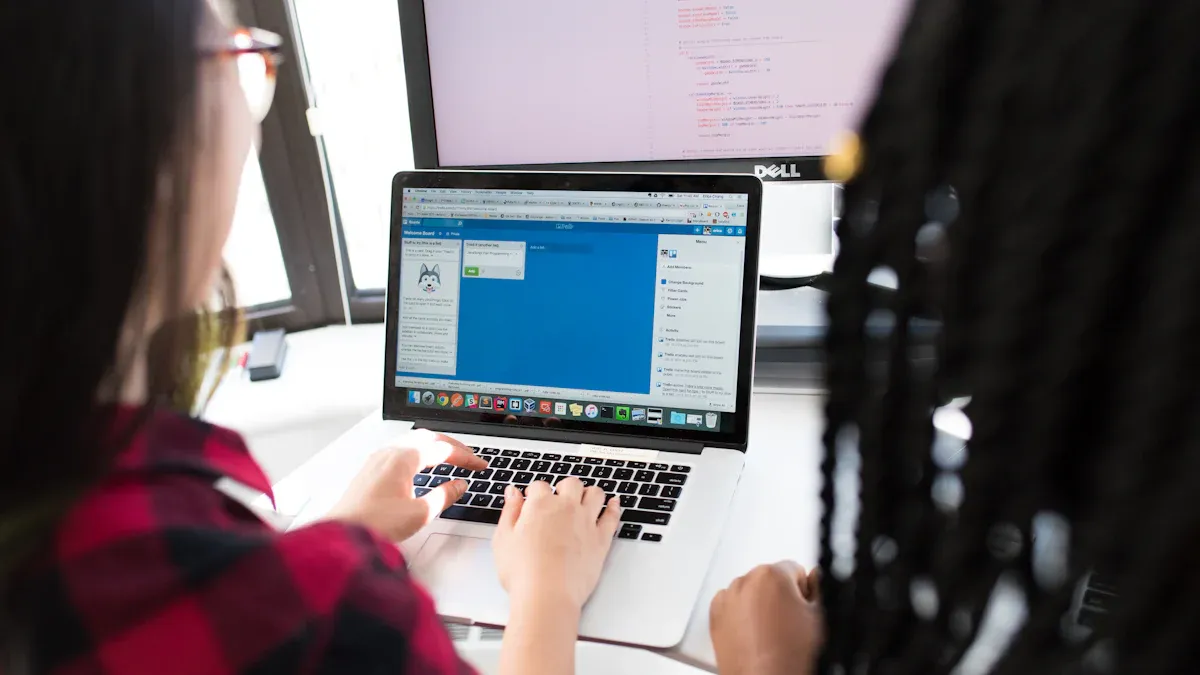
Managing different devices in your classroom can feel overwhelming. An effective classroom device management classroom control system helps you keep lessons on track and lets students access digital resources without delays. When students have charged devices, they can engage and collaborate more easily, which boosts learning. Technology supports many learning styles and gives students more ways to succeed.
Students with uncharged devices are cut off from essential digital tools, hindering engagement and collaboration.
Over 70% of schools say teachers use technology for most classroom activities.
About half of teachers rely on technology for work that would not happen otherwise.
A secure, easy-to-use system empowers you to focus on teaching while supporting your school's technology goals.
Key Takeaways
Assess your school's needs by matching devices to grade levels. Younger students benefit from iPads, while older students may need Chromebooks or laptops.
Involve a diverse group of stakeholders in the planning process. Gather feedback from teachers, students, and parents to create a system that meets everyone's needs.
Choose a scalable, cloud-based system to manage devices efficiently. This allows for easy updates and adapts to future technology needs.
Look for key features like real-time monitoring, compatibility with existing devices, and strong security measures to protect student data.
Provide effective training for teachers and students. Hands-on workshops and ongoing support help everyone use the system confidently.
Assess School Needs
Device Types and Grade Levels
You need to match devices to the needs of each grade level. Younger students in PreK to Grade 1 often use iPads because they have many educational apps and are easy to handle. For Grades 2 to 4, iPad Minis with keyboards help students type and complete assignments. Middle school students in Grades 5 to 8 benefit from a one-to-one Chromebook program. High school students in Grades 9 to 12 usually need laptops or Chromebooks for more advanced work.
Grade Level
Recommended Devices
PreK-Grade 1
Full-size iPad cart with AppleTV
Grades 2-4
iPad Mini carts with keyboards
Grades 5-8
One-to-one Chromebook initiative
Grades 9-12
One-to-one laptop initiative or Chromebooks
Many schools report that 21% of students use two or more devices daily. However, only 6% of teachers allow students to use their own devices in class. You should consider these trends when planning your classroom device management classroom control system.
Stakeholder Involvement
You should involve a wide range of people in your planning process. This group includes teachers, students, parents, principals, superintendents, librarians, IT staff, and even members of the business community. Local school board members play a key role in supporting digital learning. Superintendents help set the vision for technology use and should include district leaders in discussions.
Ask questions about what works well and what needs improvement.
Use focus groups and interviews to gather deeper feedback.
This approach helps you identify priorities and build a system that works for everyone.
Planning for Growth
Device use in schools is growing fast. The global market for classroom device monitoring is expected to reach $2.78 billion in 2024 and grow to $8.65 billion by 2033. You should choose a system that can scale as your needs change. A cloud-based solution makes it easier to manage more devices and update them remotely. This approach reduces the workload for your staff and keeps your technology up to date.
Tip: Plan for future needs by selecting a scalable system. This will help your school adapt to new devices and teaching methods without major changes.
Key Features of Classroom Device Management Classroom Control System
Choosing the right classroom device management classroom control system means looking for features that help you manage devices easily and keep your classroom running smoothly. The best systems give you real-time control, work with your current technology, protect student data, and offer a simple experience for everyone.
Real-Time Monitoring and Control
You need to see what students are doing on their devices as it happens. Real-time monitoring helps you keep students focused and safe. With the right classroom device management classroom control system, you can view student screens, block distracting websites, and lock devices when needed. These features let you respond quickly and keep lessons on track.
Allows teachers to block distracting websites and applications to maintain focus.
Device Locking
Enables teachers to lock student devices when necessary to regain control of the classroom.
Messaging Alerts
Sends alerts to teachers about student activity, helping them respond quickly to issues.
Tip: Real-time monitoring gives you immediate feedback. You can address off-task behavior right away, personalize learning, and track student progress to offer support when needed.
Real-time monitoring provides immediate feedback, so you can quickly address off-task behaviors and maintain discipline.
These tools help you adapt your teaching to meet each student's needs, which increases engagement.
By tracking progress, you can spot trends and help students before problems grow.
Compatibility and Integration
A classroom device management classroom control system should work with all the devices and software your school uses. You want a system that supports Chromebooks, iPads, laptops, and other devices. It should also connect with your learning management system and educational apps. This makes it easier to manage everything from one place.
Challenge
Description
Unreliable network connectivity
Schools often struggle with inconsistent internet access, hindering device management.
Outdated hardware
Many institutions operate on old systems that cannot support new technologies.
Cybersecurity threats
Increased use of devices raises the risk of data breaches and security issues.
Insufficient IT support
Limited IT staff can lead to inadequate management of device systems.
Slow networks can make device management difficult.
Old computers and tablets may not work well with new systems.
Cybersecurity risks can threaten student and school data.
Note: Choose a system that can handle different devices and software. This helps your school stay flexible and ready for new technology.
Security and Privacy
Protecting student data is one of your top priorities. The best classroom device management classroom control system follows strict security standards and keeps information safe. Look for systems with certifications like SOC 2 Type II and ISO 27001. These show that the company takes security seriously.
Certification
Description
SOC 2 Type II
Demonstrates regular audits and strict security controls.
ISO 27001
International standard for information security management.
HIPAA
Protects sensitive patient health information.
GDPR Compliance
Ensures data protection and privacy for individuals in the EU.
End-to-end encryption keeps data safe as it moves between devices.
Role-based access controls make sure only the right people can see sensitive information.
Detailed audit logs track who accesses data and when.
Multi-factor authentication adds another layer of protection.
Secure single sign-on makes it easier and safer for users to log in.
Encrypted backups and clear data retention policies help you recover data and delete it when needed.
You also need to follow privacy laws like FERPA and GDPR. Regular privacy audits, strong security measures, and clear privacy policies help you build trust with families and staff.
Vet all educational apps and platforms before use.
Follow basic cybersecurity best practices.
Stay transparent about how you collect and use data.
Alert: Train your staff on privacy laws and best practices. This helps everyone handle student data responsibly.
User Experience
A classroom device management classroom control system should be easy for teachers and students to use. If the system is too complicated, teachers may not use it, and students may get frustrated. Look for features that make daily tasks simple and support learning.
Ensures that a single platform can manage various devices, promoting inclusivity and equal access.
Device Monitoring and Control
Provides real-time visibility into student activities, allowing for immediate intervention to keep students focused.
Content Filtering and Safe Browsing
Blocks inappropriate content, creating a safe online learning environment for students.
Application and Website Management
Empowers teachers to block distractions and push necessary educational apps to students.
Real-time Messaging and Collaboration
Facilitates dynamic communication between teachers and students, enhancing engagement and interaction.
Detailed Reporting and Analytics
Offers insights into student behavior and engagement, helping educators tailor their instructional strategies.
Studies show that teachers are more likely to use a system if it is useful and easy to learn. When you choose a system with a simple interface and helpful features, you make it easier for everyone to succeed.
Tip: Ask teachers and students for feedback on the system. Their input can help you choose a platform that meets everyone's needs.
Comparing and Selecting Solutions
Research and Demos
You should start by researching different classroom device management classroom control system options. Make a list of vendors with strong records in education. Look for systems that offer scalability, platform compatibility, user management, BYOD support, remote capabilities, compliance features, app control, and a clear cost structure.
Scalability for future growth
Support for all major operating systems
Integration with user directories
Management of personal devices
Remote troubleshooting and data wiping
Compliance with FERPA and COPPA
Detailed app and content control
Transparent pricing
Request demos and pilot programs from your top choices. Set clear goals for what you want to achieve. Decide how long the pilot will last and choose a group of teachers and students to test the system. Train your group and collect feedback during the trial. Address any challenges before making a final decision.
Tip: Review case studies and testimonials from schools like yours. User reviews often highlight strengths and weaknesses in real-world settings.
Cost and Support
Compare the total cost of ownership for each system. The average cost per student ranges from $200 to $250 per month, which covers essential IT services. Look at what is included in the price, such as training, updates, and technical support.
Course Title
Description
Mobile Device Management Training Courses
Learn about device security, enrollment, and compliance.
Microsoft Intune Device Management
Understand provisioning, enrollment, and secure configuration.
CompTIA A+ Mobile Device Management
Covers BYOD, data sync, and business app management.
Check the level of support each vendor offers. Good support includes training for staff, clear documentation, and fast help when problems arise.
Lifecycle Management
A strong classroom device management classroom control system supports every stage of a device’s life. This includes planning, deployment, daily management, repairs, and retirement.
Plan and buy devices.
Configure and deploy them to students.
Manage updates and repairs.
Replace damaged devices quickly.
Remove devices from the system and wipe data before recycling.
For 1:1 programs, use asset management software to track devices and repairs. Set clear policies for staff, students, and parents. Make sure you have easy processes for device pickup, returns, and repairs. Centralized tracking and clear documentation help reduce loss and keep students learning.
You need a shared vision to guide your device management program. Start by setting clear goals for your school or district. Ask yourself where you want to go and what you hope to achieve. Next, assess your current resources and past experiences with technology. This helps you understand your starting point. Develop a roadmap with yearly action plans and clear benchmarks. Regularly check your progress and adjust your plan as needed.
Assess needs and resources by reviewing current and past programs.
Create a roadmap with annual action plans and benchmarks.
Evaluate progress and make adjustments along the way.
Collaboration is key. Include teachers, IT staff, and administrators in your planning. Form teams at each grade level to share ideas and support each other. Technology integration specialists can help guide teachers and provide resources.
Teachers use student devices before rollout to build comfort and expertise.
Implementation Teams
Grade-level teams collaborate and share best practices.
Technology Integration Specialists
Specialists support teachers and administrators with resources and training.
Device Sharing and Returns
When resources are limited, you need clear policies for device sharing and returns. Register all devices and approve them before connecting to the school network. Set rules for who can borrow devices and how long they can keep them. Define which websites students can access and where to return devices for servicing. Make sure you have strong password policies and security software in place. Regular updates and remote wipe capabilities protect your data.
Register and approve devices before use.
Train users on security and responsible device use.
Set strong password and incident response policies.
Tag devices for easy tracking and use software to locate or lock them if needed.
Tip: Assign responsibility for lost or damaged devices to encourage careful handling.
Training and Support
Effective training prepares teachers and students to use device management systems confidently. Hands-on workshops let you practice using devices and software. Digital citizenship seminars teach responsible online behavior. Cybersecurity training helps you stay safe on the internet. Maintenance tutorials show you how to care for devices and solve basic problems. Resource sharing sessions and feedback forums let you learn from others and share your experiences.
Training Activity
Purpose
Hands-on Workshops
Practice device operation and software use
Digital Citizenship Seminars
Learn responsible online behavior
Cybersecurity Training
Understand safe internet practices
Maintenance Tutorials
Gain skills in device care and troubleshooting
Resource Sharing Sessions
Discover and use digital educational resources
Feedback Forums
Share experiences and suggest improvements
Ongoing support and professional development help you overcome challenges and keep your technology program strong. Continuous learning ensures everyone can adapt to new tools and practices.
You can choose the best classroom device management system by following these steps:
Assess your school’s needs and device types.
Involve key stakeholders in planning.
Compare features, costs, and support.
Build a shared vision and provide training.
Tip: Start a needs assessment or contact vendors for demos. Effective device management helps teachers focus on teaching and gives students better learning experiences.
FAQ
What devices can you manage with a classroom device management system?
You can manage Chromebooks, iPads, laptops, and tablets. Most systems support multiple brands and operating systems.
Tip: Check the compatibility list before you choose a system.
How do you keep student data safe?
You use strong passwords, encryption, and access controls. Choose a system with security certifications like SOC 2 Type II or ISO 27001.
Security Feature
Benefit
Encryption
Protects data
Access Controls
Limits who sees data
Can teachers control devices during lessons?
Yes, teachers can view screens, block websites, and lock devices. These controls help you keep students focused and safe.
View student screens
Block distractions
Lock devices instantly
What training do you need to use the system?
You need basic training on device setup, security, and troubleshooting. Many vendors offer workshops, online guides, and support.
Note: Ask for hands-on training to help teachers and students feel confident.
Click the button to contact us for more information