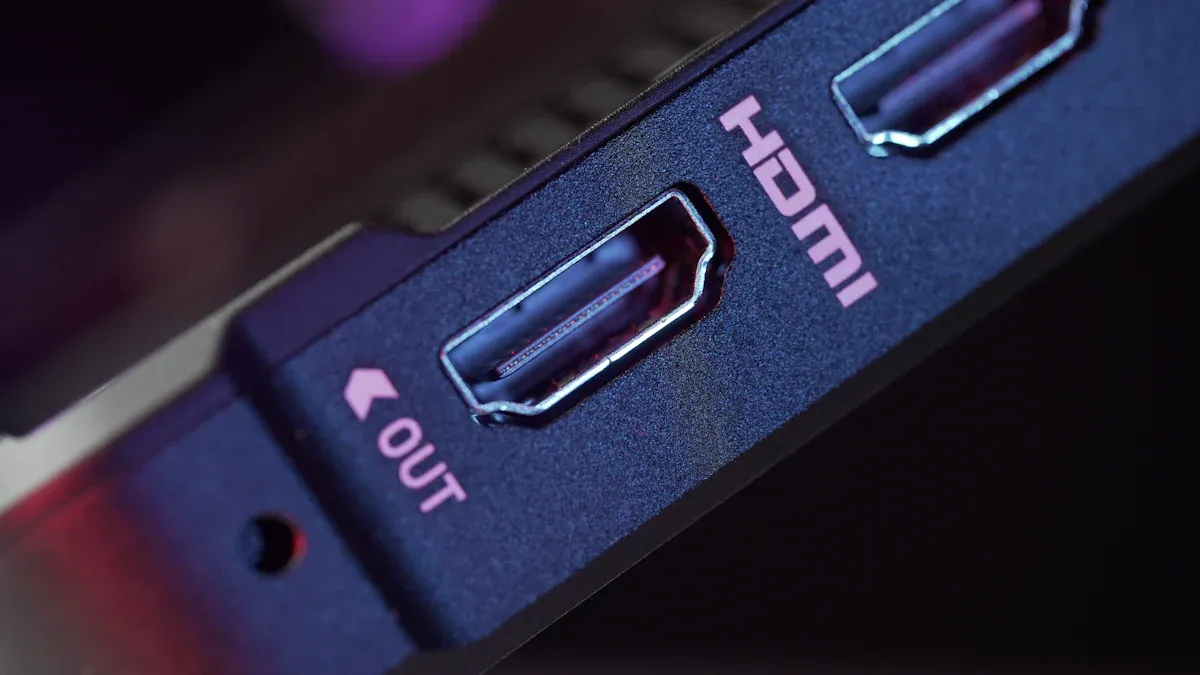
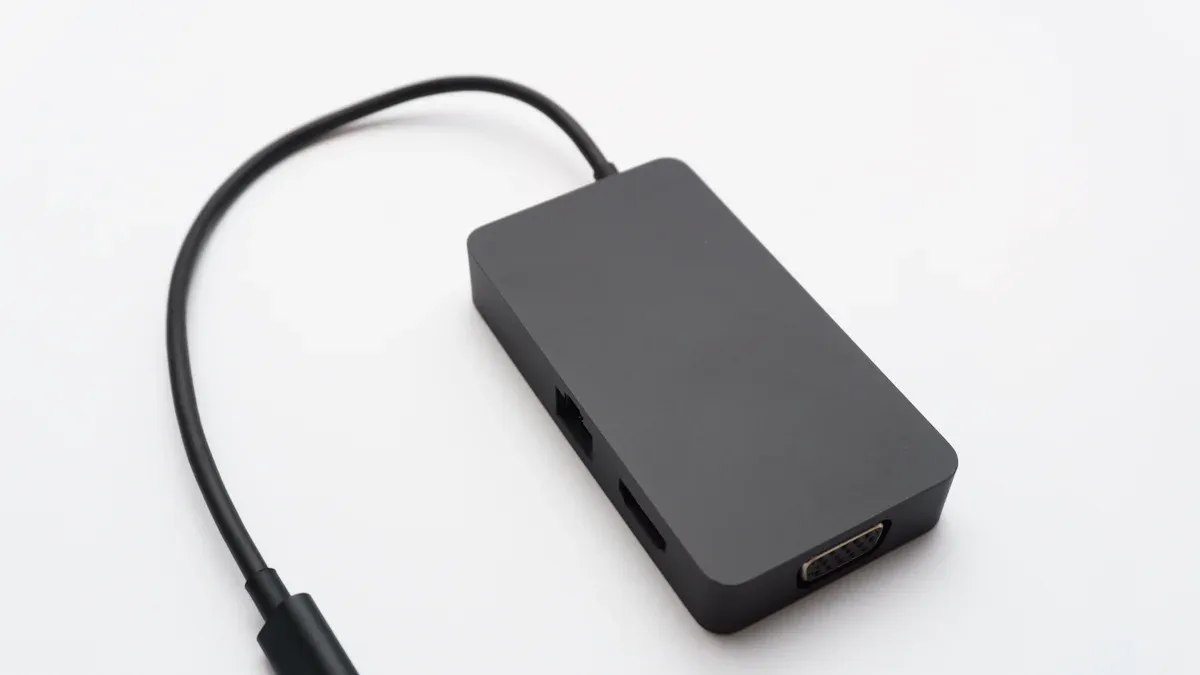
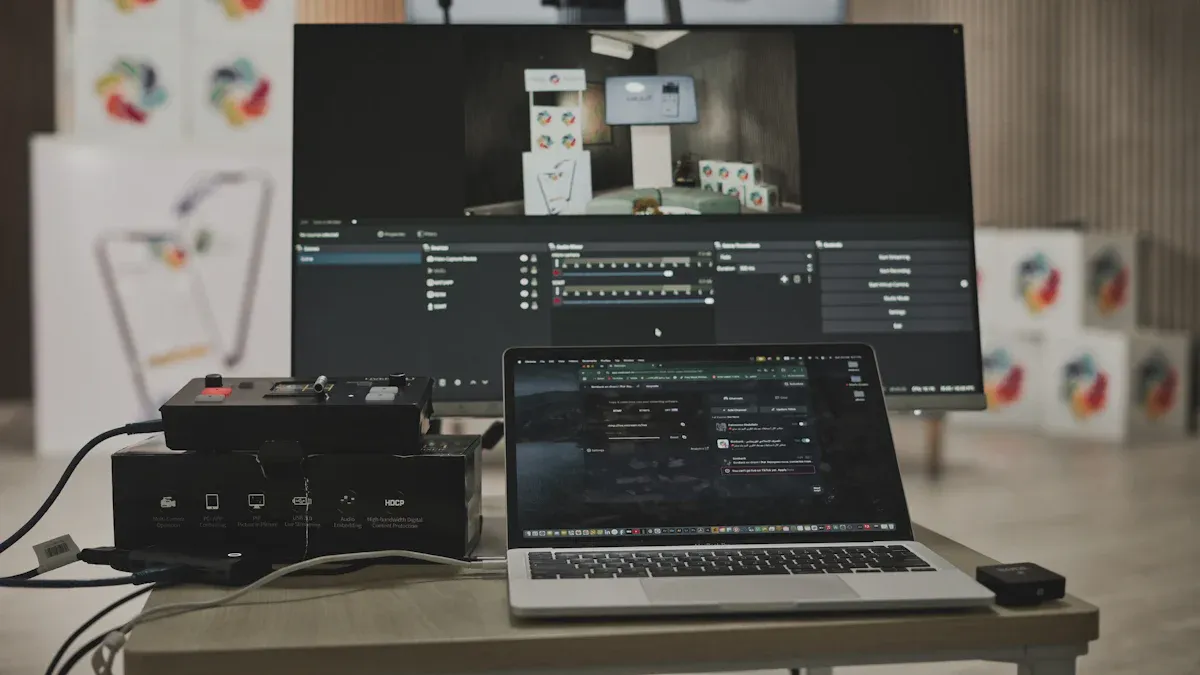
An HDMI switch lets you connect several devices to a single TV or monitor. You can use it to link gaming consoles, streaming boxes, or laptops without swapping cables. In home theaters, you easily switch between devices like game consoles and streaming devices. Gamers use HDMI switches to move between consoles quickly. Conference rooms benefit from them because presenters can connect their laptops to one display. If you wonder how do hdmi switches work hdmi switching how does a hdmi switcher work hdmi switch how does it work, the answer is simple: the switch manages signals so you choose which device appears on your screen.
Key Takeaways
An HDMI switch connects multiple devices to one TV, allowing easy switching without unplugging cables.
Choose the right HDMI switch based on the number of devices and the resolution you need, like 4K or 8K support.
Using an HDMI switch keeps your entertainment area tidy and protects your TV's HDMI ports from wear.
Check compatibility and features of your HDMI switch to ensure it meets your needs, especially for gaming or high-quality audio.
HDMI switches are user-friendly, often allowing remote control for quick device changes, making them ideal for home and office use.
An HDMI switch is a device that helps you connect several HDMI sources, like game consoles or streaming boxes, to one TV or monitor. You do not need to unplug and swap cables every time you want to use a different device. Instead, you press a button or use a remote to choose which device you want to see on your screen. This makes your setup neat and easy to use.
HDMI Switch vs. Splitter
You might wonder how an HDMI switch is different from an HDMI splitter. Both devices help manage HDMI connections, but they work in opposite ways. An HDMI switch lets you select one input from several devices and send it to a single display. An HDMI splitter takes one input and sends it to multiple displays at the same time.
Duplicates one HDMI signal to multiple outputs (for example, multiple screens)
1:3
HDMI Switch
Routes multiple HDMI inputs to a single output (for example, one TV)
3:1
Tip: If you want to show the same video on two TVs, use a splitter. If you want to connect many devices to one TV, use a switch.
Common Uses
You will find HDMI switches in many places. At home, you can use one to connect your gaming console, streaming stick, and Blu-ray player to your TV. In offices, HDMI switches make meetings easier. You can connect several laptops to one big screen, so everyone can share their work quickly. In schools, teachers use HDMI switches to show lessons from different devices, making classes more interactive.
The table below shows how often people use HDMI switches in business and education:
Use Case
Description
Adoption Rate
Corporate Conference Rooms
HDMI switchers help with presentations and video calls by connecting many devices to one display.
Classrooms use HDMI switchers to connect different devices, making teaching more dynamic.
30% increase in usage for hybrid learning environments
HDMI switches help you keep your space tidy and make it easy to use all your devices without hassle.
How Do HDMI Switches Work?
HDMI Switching Explained
When you use an HDMI switch, you control which device sends its signal to your TV or monitor. The switch uses a special part called a multiplexer. This multiplexer acts like a traffic cop. It listens for your command, then connects the right device to the output. For example, if you want to play a game, you press a button or use a remote. The switch then sends the game console’s signal to your screen.
Here is a simple table to show how the multiplexer works inside an HDMI switch:
Step
What Happens
Device Selected
You press a button or use a remote to pick a device.
Control Signal Sent
The switch receives your command.
Multiplexer Acts
The multiplexer connects the chosen device’s signal to the TV or monitor.
Signal Output
The TV or monitor shows the selected device’s content.
Some advanced switches can use a small computer, like an Arduino, to control which device is active. This setup lets you manage many HDMI feeds with just one control line.
You might wonder, how do hdmi switches work hdmi switching how does a hdmi switcher work hdmi switch how does it work in real life? HDMI switches come in two main types: manual and automatic. Manual switches need you to press a button or use a remote to pick the device. Automatic switches sense which device is turned on and switch to it without you doing anything.
Most HDMI switches work with many devices, like game consoles, streaming boxes, and laptops. Still, you need to check for compatibility. Some switches may not support features like 4K video, HDR, or special gaming settings. If you use a 4K TV or want to play games at high refresh rates, make sure your switch supports these features.
Issue Type
Description
4K Compatibility
Make sure the switch works with 4K or 4K@120Hz for gaming.
Device Settings
Some devices need special settings and may work better connected directly.
Feature Support
The switch should support all features you need, like HDR or UHD.
TV Settings
Some TVs have settings for each input, which can affect device performance.
Tip: Always check the specs of your HDMI switch before you buy. This helps you avoid problems with your devices.
Signal Amplification
Signal amplification is important for keeping your video and audio clear, especially if you use long cables or have many devices. Active HDMI switches boost the signal so it stays strong from the source to your TV. This is very helpful in big rooms, offices, or classrooms where cables might be long.
HDMI switches do not lower the quality of your audio or video if the signal stays strong. Problems like blurry pictures or no sound usually happen because of weak signals, bad cables, or poor electronics—not because of the switch itself.
Problems like sparkles or a blank screen can happen if the signal is weak, but this is not just because of the switch.
Good cables and a quality switch help keep your picture and sound perfect.
If you ever ask yourself, how do hdmi switches work hdmi switching how does a hdmi switcher work hdmi switch how does it work, remember that a good switch manages signals, keeps them strong, and makes it easy for you to use all your devices with one screen.
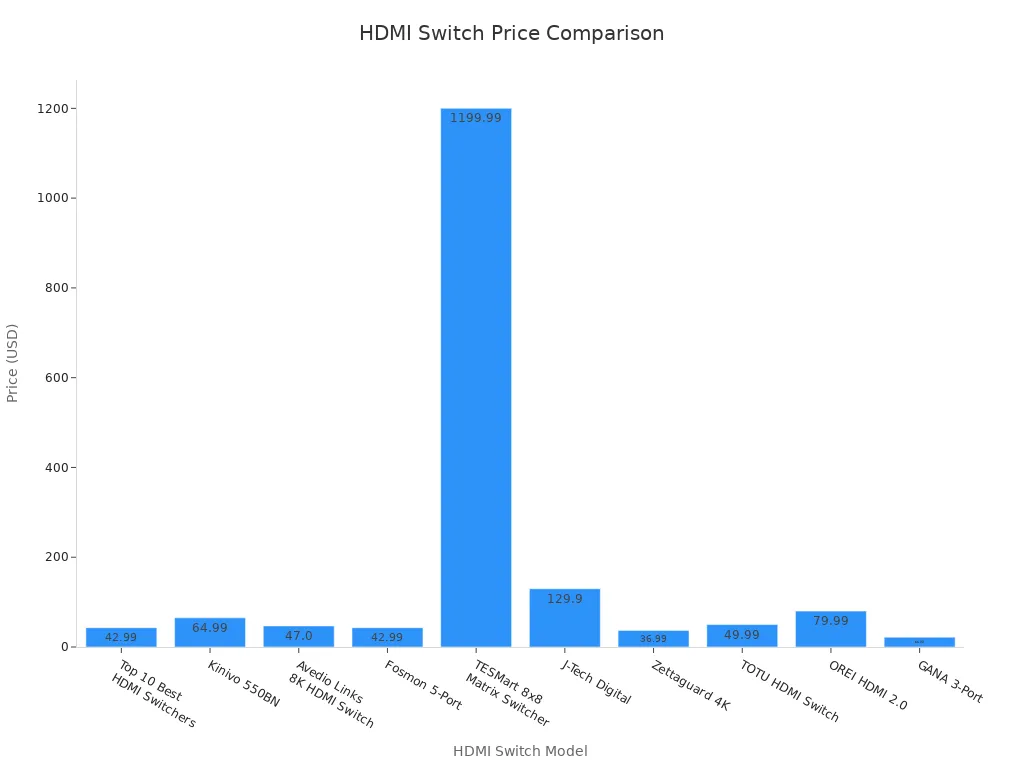
You want to pick an HDMI switch that fits your needs. Start by checking how many devices you plan to connect. Most switches offer three to five input ports, but some advanced models support up to eight. Look for switches that match the resolution of your devices, such as 4K at 60Hz or even 8K for newer setups. Make sure the switch supports HDCP to avoid problems with streaming services. Audio support matters if you use surround sound systems, so check for Dolby Digital or DTS compatibility. Build quality affects durability and signal strength. Easy installation features, like EDID management, help you set up quickly.
Here is a table showing popular HDMI switch models and their features:
After you connect everything, review the input and output settings on your switch and TV. Confirm the power supply to the HDMI switch. If you see issues, inspect your cables and try different ports. Some switches offer support resources, like FAQs or a knowledge base, to help you solve problems.
Make sure your HDMI switch supports all the features you need.
Review your TV’s input settings for the best picture and sound.
If you wonder how do hdmi switches work hdmi switching how does a hdmi switcher work hdmi switch how does it work, remember that a good setup lets you switch between devices easily and keeps your signal strong.
Note: Some manufacturers offer extended warranties, like five years for certain models. Support options include online FAQs and driver downloads.
Using an HDMI Switch
Switching Devices
You can switch between devices with an HDMI switch in just a few steps. Most switches let you select the active device with a button or a remote. This process keeps your setup simple and protects your TV’s HDMI ports from wear. You do not need to unplug cables every time you want to use a different device. This method saves space and keeps your entertainment area tidy.
Seamless switching helps you move from one device to another without delay.
You avoid damaging HDMI ports by not unplugging cables often.
You can connect many devices, like game consoles and streaming boxes, to one TV.
HDMI switches support new standards, so you can use them with future devices.
Tip: Using an HDMI switch is more affordable than buying a new TV with extra HDMI ports.
Remote and Button Use
Most HDMI switches come with a remote control. You can sit on your couch and change devices with a single press. Some switches also have a button on the unit. If you lose the remote, you can still switch devices by pressing this button. The remote and button make it easy for everyone to use the switch, even if they are not tech-savvy.
Control Method
How It Works
Best For
Remote
Press a button from a distance
Quick, easy switching
Manual Button
Press button on the switch
When remote is missing
Troubleshooting
Sometimes, you may face issues like signal loss or a device not showing up. These problems often have simple fixes.
Try turning your devices on in a different order. Sometimes, the switch recognizes devices better this way.
Set your source device’s video resolution and refresh rate to match your TV’s settings.
If you still have trouble, test your HDMI cables. A faulty cable can cause many problems.
Avoid unplugging and plugging cables too often. This can lead to loose connections over time.
Note: If you wonder how do hdmi switches work hdmi switching how does a hdmi switcher work hdmi switch how does it work, remember that a good connection and proper setup help your switch work smoothly.
Is an HDMI Switch Right for You?
When to Use
You might wonder if you need an HDMI switch in your setup. HDMI switches work best when you have more devices than HDMI ports on your TV or monitor. If you own a gaming console, a streaming box, and a Blu-ray player, you can connect all of them to one screen without unplugging cables. This saves you time and keeps your area neat.
Many types of users benefit from HDMI switches:
Gamers: You can connect several gaming devices and switch between them quickly. This helps you enjoy long gaming sessions without interruptions.
Movie Enthusiasts: You get better audio and video quality, especially if you use a 4K TV or sound system.
Multi-Room Setups: You can send signals from one device to different TVs or projectors in your home.
HDMI switches also help in offices and classrooms. You can connect many laptops or devices to one display. This makes meetings and lessons run smoothly.
Tip: If you want a simple way to manage many devices with one screen, an HDMI switch can make your life easier.
Alternatives
You have other options if an HDMI switch does not fit your needs. Each technology works best for different situations.
A matrix switcher, especially an HDMI 2.1 matrix switcher, gives you more control in professional AV projects. You can send any source to any display, which is great for large setups.
Here is a table to help you compare the main alternatives:
Technology
Description
HDMI Splitter
Distributes a single HDMI source signal to multiple displays at the same time. Good for mirroring content.
HDMI Switch
Connects several HDMI sources to one display. Lets you switch between devices easily.
HDMI Extender
Sends HDMI signals over long distances using special cables. Useful for big rooms or far displays.
Matrix Switcher
Routes many HDMI sources to many displays. Offers flexible control for advanced setups.
You can use an HDMI splitter if you want to show the same content on more than one screen. An HDMI extender helps when your devices are far apart. A matrix switcher works best for complex setups with many sources and displays.
Pros and Cons
HDMI switches offer many benefits, but they also have some drawbacks. You should weigh these before making a choice.
Pros:
You keep your entertainment area neat by reducing cable clutter.
You can connect and switch between many devices with ease.
Modern HDMI switches support high-quality video and audio with little to no loss.
You enjoy a simple and user-friendly setup process.
HDMI switches work with many types of devices, so you can add new technology easily.
Cons:
You need to keep your devices close to the switch because of limited range.
Other electronics can sometimes cause interference, which may lower signal quality.
HDMI switches can cost more than basic cable connections.
Note: An HDMI switch acts as a bridge between your devices and your display. You get quick access to all your sources without unplugging cables. This makes your setup more convenient and organized.
HDMI switches give you a simple way to connect and manage multiple devices with one display. You can see the main benefits in the table below:
Detailed guides on HDMI switch types and how they work
Tips for choosing between manual and automatic HDMI switches
Take a moment to review your setup and needs. The right HDMI switch can make your entertainment or work area much easier to use.
FAQ
Can you use an HDMI switch with a soundbar or AV receiver?
Yes, you can connect an HDMI switch to a soundbar or AV receiver. Plug the switch output into the receiver or soundbar, then connect that device to your TV. This setup lets you enjoy better sound.
Do HDMI switches reduce video or audio quality?
No, a good HDMI switch keeps your video and audio clear. Use high-quality cables and a switch that matches your devices’ resolution. Problems usually come from weak signals or bad cables, not the switch itself.
Will an HDMI switch work with gaming consoles like PlayStation or Xbox?
Yes, HDMI switches work with most gaming consoles. Make sure your switch supports the resolution and refresh rate your console uses. For example, if you play in 4K or at 120Hz, check the switch’s specs before buying.
Does an HDMI switch need power?
Some HDMI switches need power, while others do not. Powered switches work better with long cables or many devices. If you want the best performance, choose a switch with its own power adapter.
Click the button to contact us for more information